Bot Traffic: How to Spot Fake Visits Inflating Your Ecommerce Website and GA4 Numbers
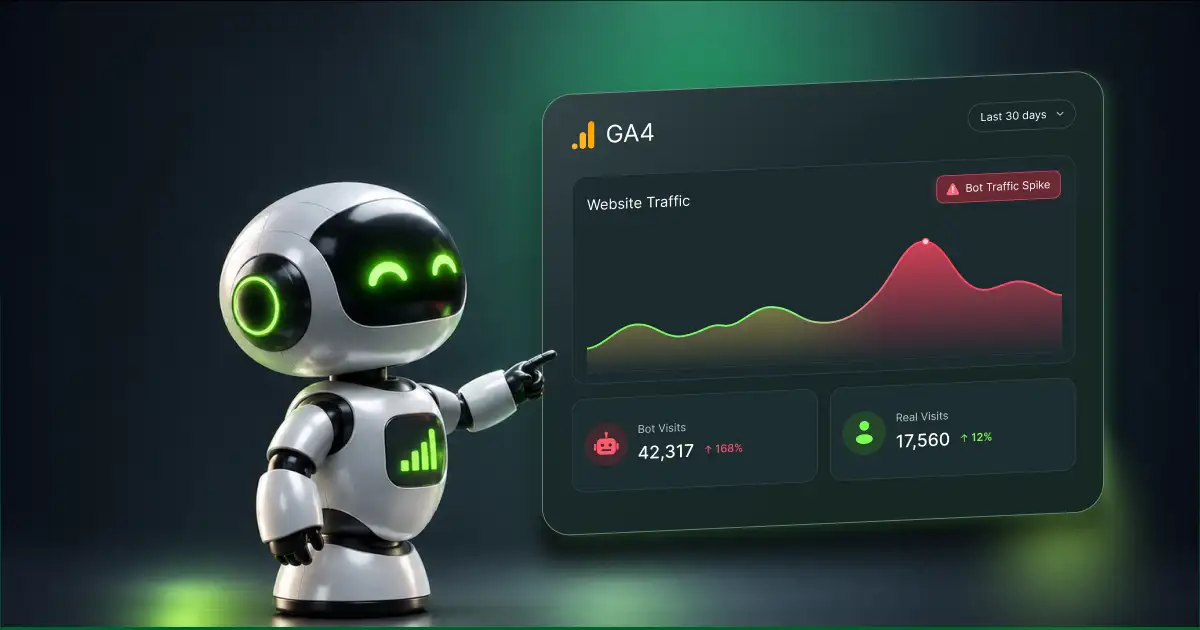
Is your GA4 report showing a large increase in visits but no corresponding rise in sales? If that is the case, bot traffic is likely the cause.
Bots account for over half of all web traffic these days. According to Imperva’s 2026 Bad Bot Report, they were responsible for 53% of it in 2025, with 40% being malicious in nature. For an online retailer, your dashboards can be misleading. On top of that, you could put money into ads for visits that are not real. This guide explains the significance of this activity, how to stop it, and how to identify fakes.
What Is Bot Traffic?
Bot traffic is simply a visit made by software rather than a human. It is not all bad; Google’s crawler, for instance, goes to your pages to put them in the search results. Uptime checkers and price comparison sites are other sources of bots.
The problem is with the bad ones. They will scrape your prices, try out stolen card numbers, clog up forms with spam and click on ads. A traffic bot is a program designed to put in false visits to a site. Some website traffic bot tools even mimic human actions, like scrolling and mouse movement, to avoid detection.
Why Fake Visits Hurt Ecommerce Stores
Bad data is the precursor to bad decisions. Bots can put up your session numbers and make the conversion rate appear poorer than it really is. You may end up reworking a product page that doesn’t need it or putting money into a channel that is filled with bots.
GA4 does try to help. It applies a default exclusion for known bots and spiders, built from Google’s own research plus the IAB and ABC International Spiders and Bots List. The catch? This filter only catches bots that announce themselves. Anything built to look human walks straight through. Google also states that you cannot disable it or see how much known bot traffic was excluded.
So treat the bot share you can see as the minimum, not the full picture.
How Bot Traffic Affects Google Ads
First, you pay for clicks that will never lead to a purchase. Second, fake clicks and form fills feed bad signals into your bidding. Smart Bidding then goes looking for more of the same visitors.
The risk is greatest with automated campaigns. An August 2026 retail study by Lunio showed that Google search campaigns on AI Max had 72% more invalid traffic than those without it. By the end of the study, roughly one in thirteen shopping clicks was invalid.
Google filters plenty of junk before it bills you, and it refunds some invalid clicks later. Smarter bots still slip past, so your real loss is often higher than your report shows.
Quick tip: add the “Invalid clicks” and “Invalid click rate” columns to your Google Ads campaign view. Google hides them by default.
7 Signs of Fake Visits in GA4
Watch for these patterns:
- Unexplained spikes. Sessions double in a night for no reason, with no campaign, email, or press to account for it.
- Engagement that is virtually non-existent. Engagement time sits at a second or two, and engagement rate drops close to 0%.
- Visits from countries you don’t sell to. If a UK store is getting many visits from distant markets, it warrants some scrutiny.
- Odd Direct traffic. Bots often land on deep pages, search URLs, or the same product page again and again.
- Strange referral sites. Spammy domains in your referral report rarely lead to actual buyers.
- Old browsers or odd screen sizes. Outdated versions and unusual resolutions often point to scripts.
- Clicks without sales. Ad clicks and sessions climb, but add-to-basket and orders stay flat.
One sign alone proves little, but two or three together usually tell you something.
Why You Should Never Buy Bot Traffic
Some sites sell “real visitors” by thousands. For a new store, it can be tempting to appear busy, but don't be fooled. Buying bot traffic won’t help your sales or rankings, and it will ruin your analytics.
The same goes for YouTube bot traffic by keywords. Such services make the claim they can get you views from those looking up a particular term. In reality, YouTube deletes these spurious views and may take action against the channel.
How to Block Bot Traffic
No single switch fixes this. The best results come from layers.
Clean up GA4. Set up internal and developer traffic filters. Add spam domains to your unwanted referrals list. Then build a segment that strips out low-engagement sessions from suspect countries, so you can compare clean numbers with raw ones.
Protect your ad spend. Exclude locations and placements that send junk clicks. Check your search terms every week. On Performance Max or AI Max, judge conversion quality, not just volume. Bot traffic detection advertising tools can also block suspect clicks as they happen.
Stop bots at the door. A web application firewall, such as Cloudflare, blocks known bad bots and limits how often a single source can access your pages. The bigger retailers have a way of going to F5 for this kind of bot traffic, with its Distributed Cloud Bot Defense checks device and behaviour signals to tell people from scripts, even when bots run real browsers.
Use server-side tagging. Google Tag Manager on the server side means that GA4 and ad tags do not fire on requests from flagged bots. That keeps any spurious events from showing up in your reports or in Google Ads.
Add checks where bots attack. Use reCAPTCHA or a similar tool on checkout, login, and contact forms.
Get Your Real Numbers Back
There is no getting around bot traffic. With AI, the cost of putting together a bot goes down with each passing year. But you can prevent it from dictating your decisions and eating into your budget.
At Ecommerce Excellence, we help online stores do exactly that: we audit GA4, clean up the data and protect ad spend. If your numbers don’t add up, talk to our team. We’ll help you work out what’s real and what isn’t.
Frequently Asked Questions
It’s visits from automated software instead of people. Search engine crawlers are helpful bots. Others scrape content, commit fraud, or click on ads.
Yes, but only known bots that identify themselves. Bots built to look human still show up in your reports.
Yes. Google refunds some invalid clicks, but advanced bots often get through. They also feed bad data into Smart Bidding.
Use layers. Combine a firewall, GA4 filters, ad exclusions, and form checks. Bigger stores often add a dedicated bot protection tool.